
Tester Original VXDIAG pentru FORD VCM IDS si MAZDA IDS new version V129+

Descriere
6. Compatible with IDS, ForScan, FJDS, FDRS and MDARS. New Models after 2020 need to use FDRS or MDARS.
Ford IDS Version: V129.01 (Latest)
-support the car year 2005-2022 for Ford, cannot work on some F series pre-2010), some model need to work with FDRS.
Mazda IDS Version: V129.00 (Latest)
-support the car year 2005-2022 for Mazda
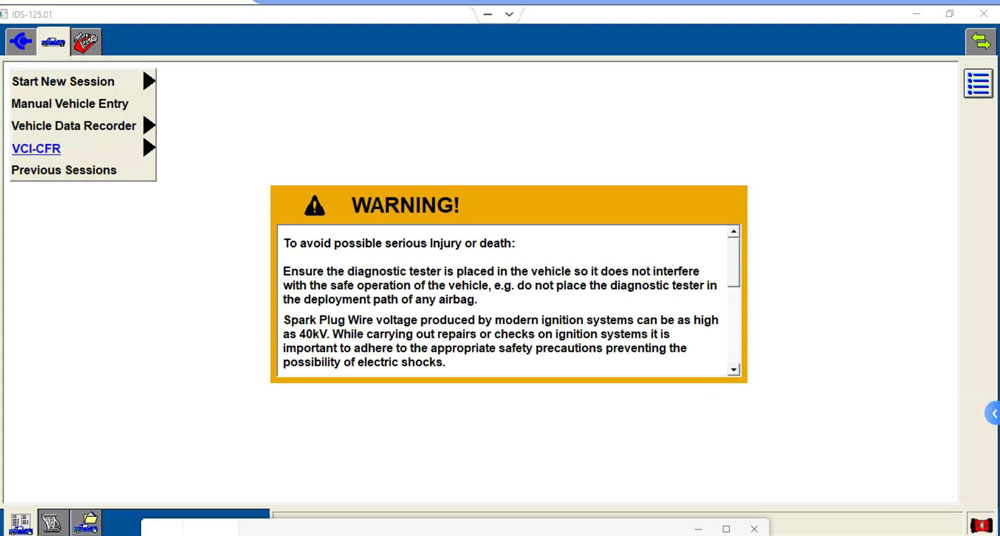
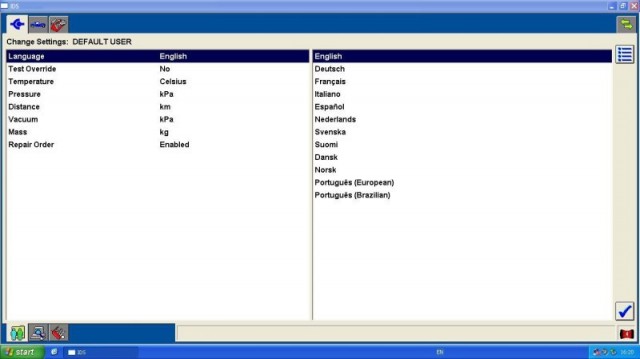
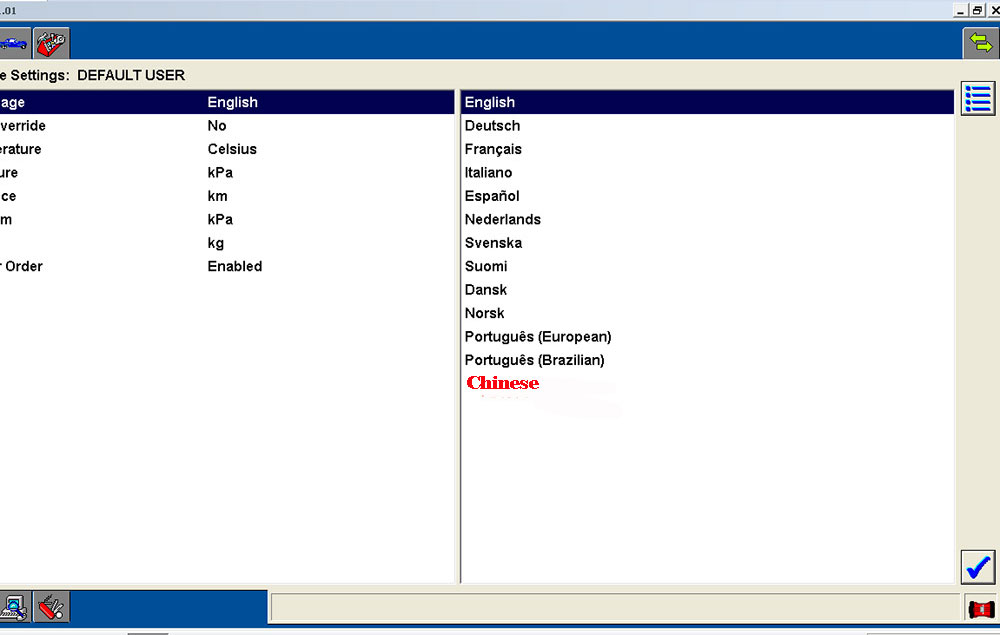
Ford IDS Language:
3. Make sure there is no other Software installed on the computer, Ford IDS and Mazda IDS need to install on separate windows systems.
4. Only firmware update with vx manager but not VCI Ford manager. Wrong firmware update will kill the vxdiag device.
Free Download IDS software for VXDIAG
Ford IDS Installation:
1. Install Ford IDS-1**
2. Wait for the installation of Ford IDS – 1**, and restart the computer
3. Install the Ford original VCI software_ 1.0.0.10.exe
4. Install VX manager and IDS driver on VX manager "Diagnostic" Menu
5. Wait for VX manager and IDS driver installation to complete
6. Connect VCX device and install idspatch
7. Use idspatch to open IDs and start diagnosis.
Mazda IDS Installation:
1. Install mazdaids-1**
2. Wait for mazdaids – 1** installation to complete and restart the computer
3. Install VX manager and IDS driver on VX manager "Diagnostic" Menu
4. Wait for VX manager and IDS driver installation to complete
5. Connect VCX device and install idspatch
6. Use idspatch to open IDs and start diagnosis.
Check video: Install Ford/Mazda IDS V129
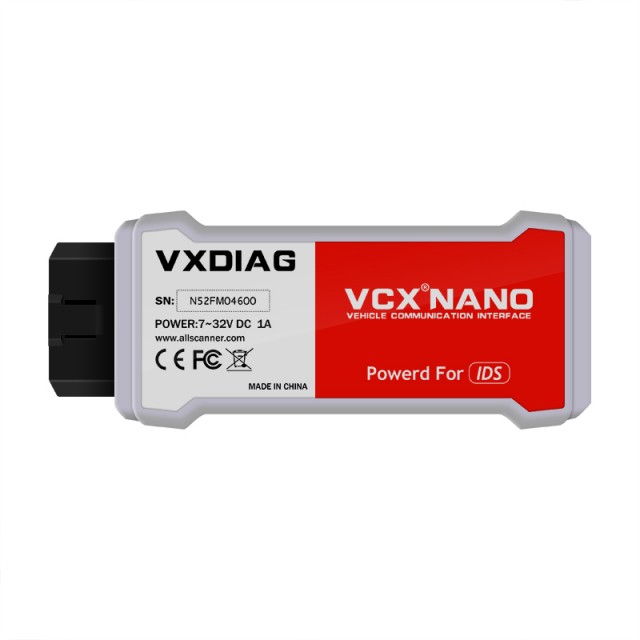
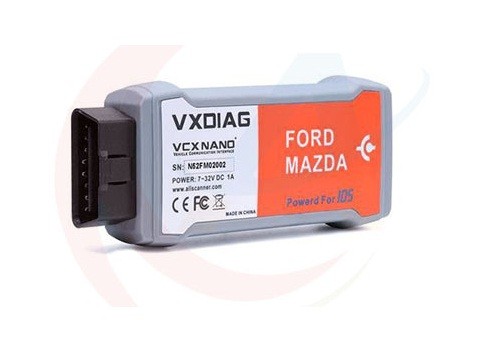
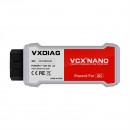
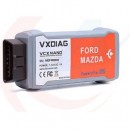
VXDiag VCX Nano Description:
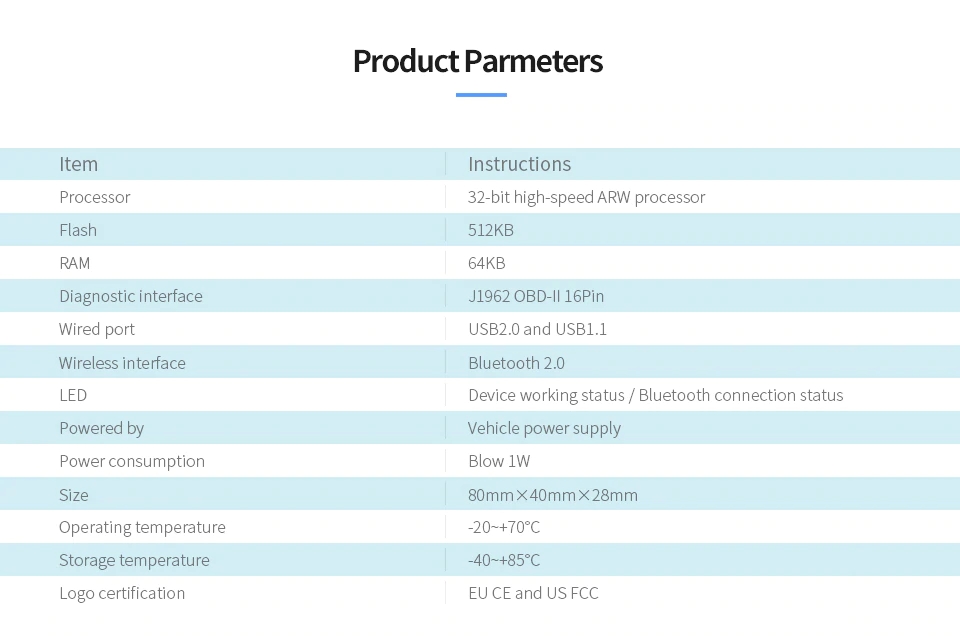
Product Parameters:
Note:
Does not support old Ford with UBP protocol.
Does not support Ford F-series pre-2010 light-duty and super duty. Our engineer is now trying to solve this problem.
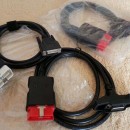
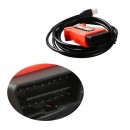
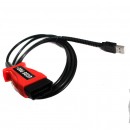
1pc x USB Cable
1pc x VXDIAG VCX NANO Main Unit
Detalii
Ce spun clientii
Produse recomandate
-
PROMOTIE Noua Interfata Thinkcar ThinkDiag2 TOATE mărcile de mașini incluse, OBFCM, Canfd Activ, Codare ECU, 12 luni Update online839,00 RON 1.189,00 RON839,00 RON (fara TVA)
-
Diagnoza profesionala Ford UCDS PRO+ v1.26.008 + corectie KM398,09 RON 482,79 RON329,00 RON (fara TVA)
-
Interfata Ford VCM 2, VCM II, VCM IDS, V91 Cel mai bun pret! Garantat! PROMOTIE!1.075,69 RON 1.329,79 RON889,00 RON (fara TVA)
-
Difuzor Bara Spate AMG cu Ornamente Evacuare Mercedes E-Class W213 (2016-2020) Versiune Standard, Design negru, Inox, Best Quality1.589,00 RON 1.899,00 RON1.589,00 RON (fara TVA)
-
Tester Auto Multimarca Camioane/Autobuze/Autoutilitare/Utilaje - Noul aparat Launch X431 SmartLink C 8/256GB CAN/ DoIP/ CAN FD/ J2534 Full Activat Service Auto5.693,10 RON 7.117,45 RON4.705,04 RON (fara TVA)
-
Interfata VCDS/VAGCOM REAL HEX V2 ARM STM32F405 Update Online Engleza, Romana acces la platforma MQB603,79 RON 712,69 RON499,00 RON (fara TVA)
-
Promo Interfata VCDS HEX V2 PRO Ultima Versiunem full activata, long coding activ V23.XX385,99 RON 470,69 RON319,00 RON (fara TVA)
-
Nou !! VCDS/VAGCOM HEX V2 Interfata diagnoza Update 2025, Ultima Versiune Existenta!277,09 RON 470,69 RON229,00 RON (fara TVA)
-
Diagnoza profesionala Ford UCDS PRO+ v1.26.008 + corectie KM398,09 RON 482,79 RON329,00 RON (fara TVA)
-